In part 1 we found out that binary is Base 2 number system. In this part we are going to find out why computers actually use it instead of the perfectly good Base 10 system we use in everyday life.
The Lightbulb Experiment
Imagine you have a battery, some wire, and a light bulb.
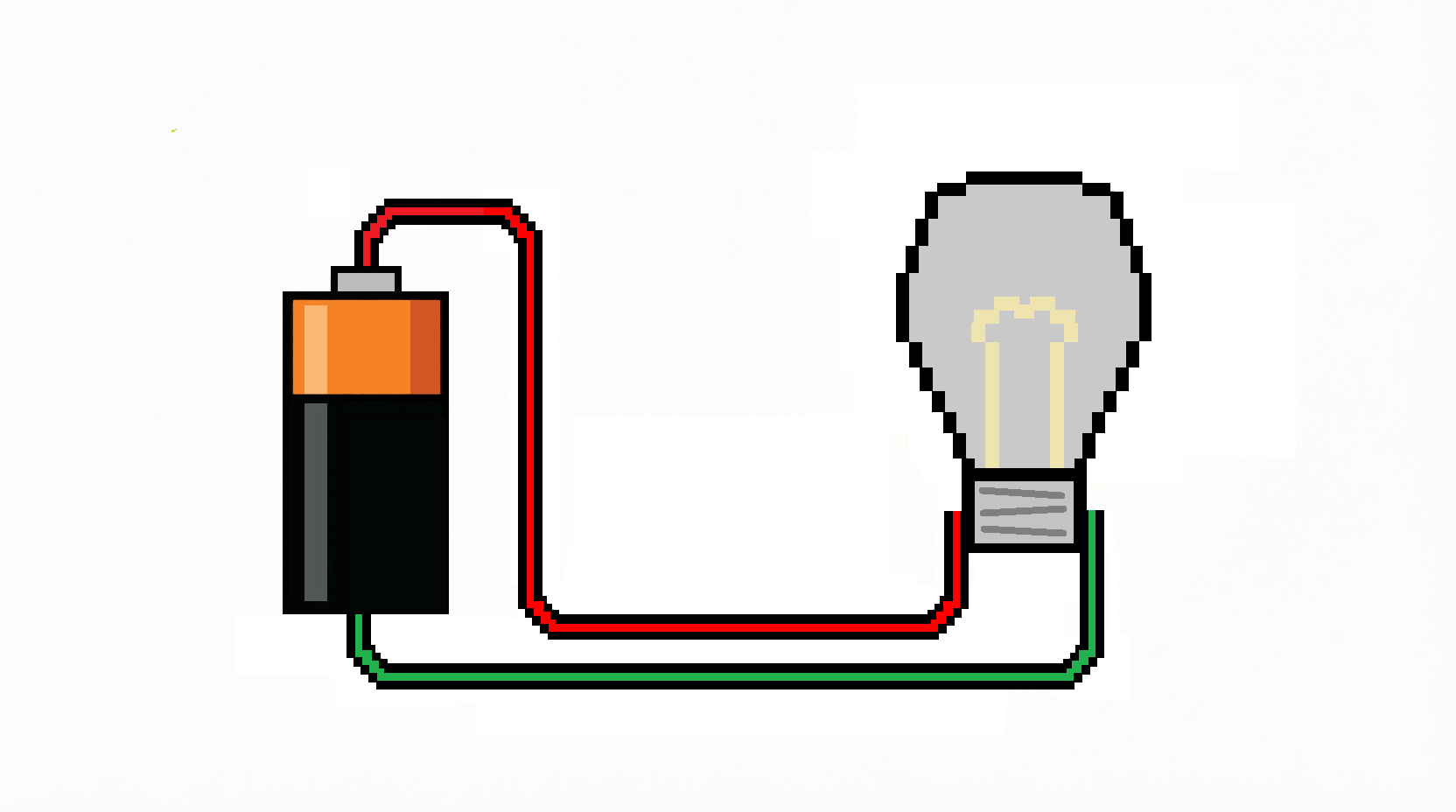
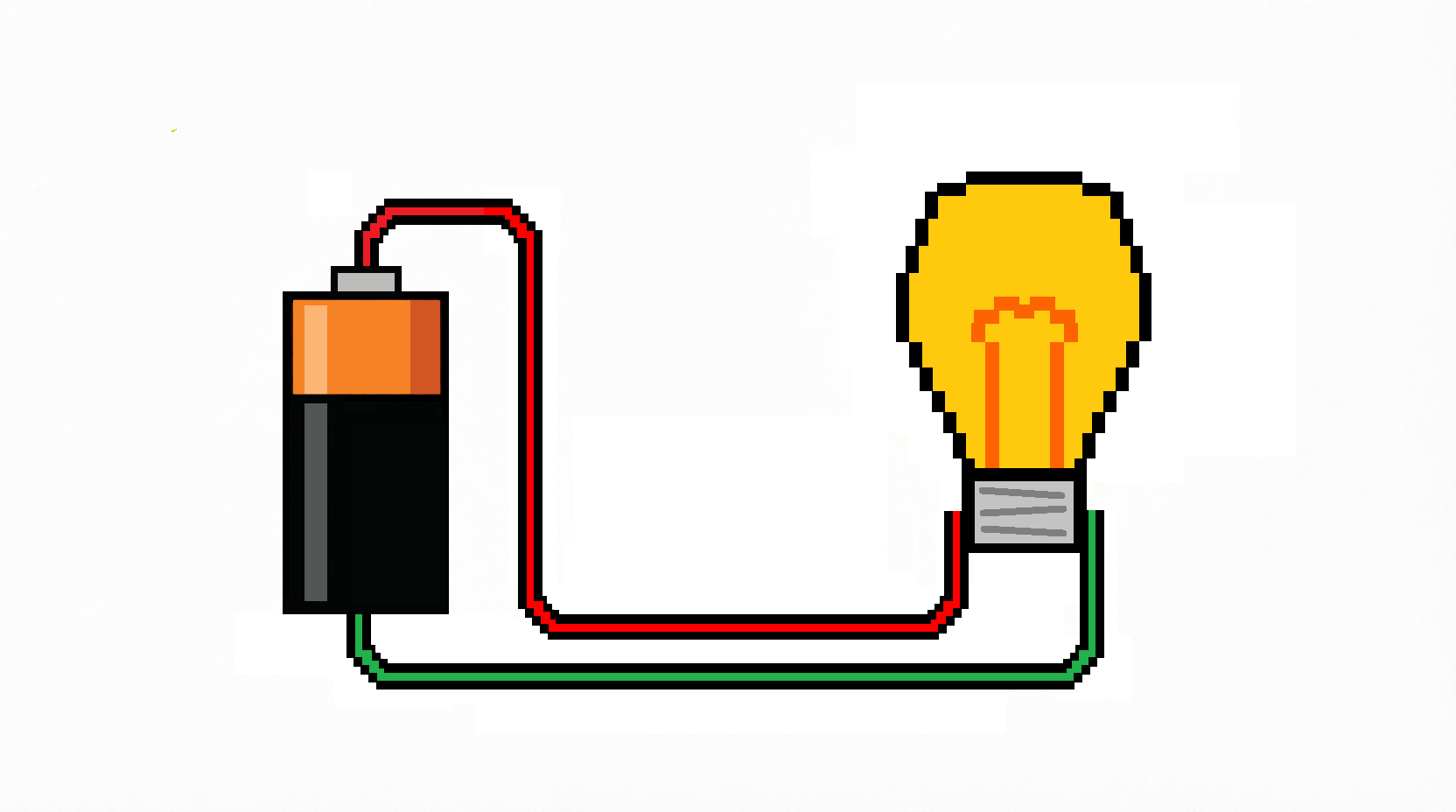
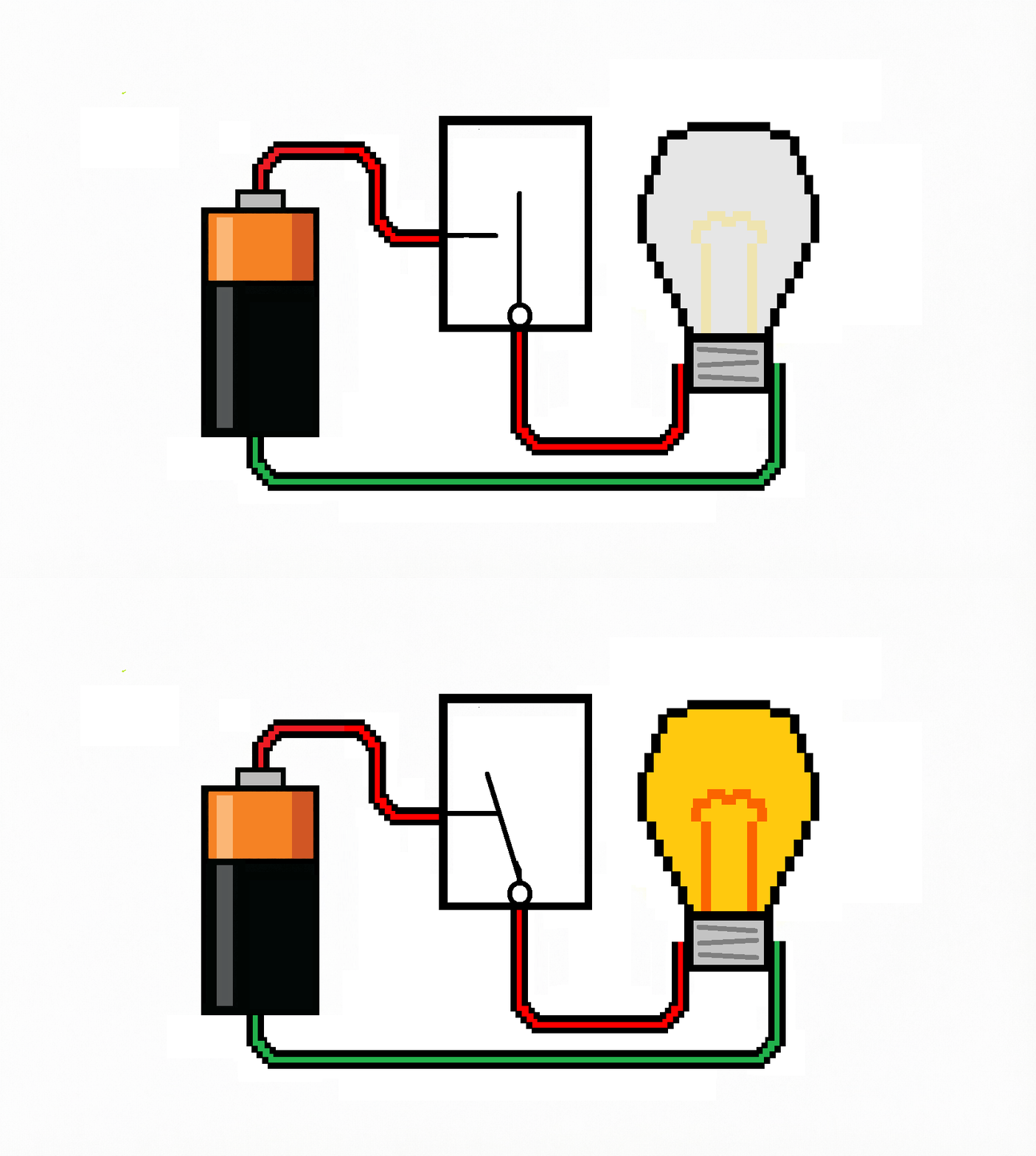
If we connect our wire to the battery and then to the bulb, making sure we match the terminals, the bulb will light up.
Lets say now we want to switch the bulb on and off, it would be useful to add a switch instead of constantly taking the wire on and off the battery. A switch is basically a device that will make or break the circuit.
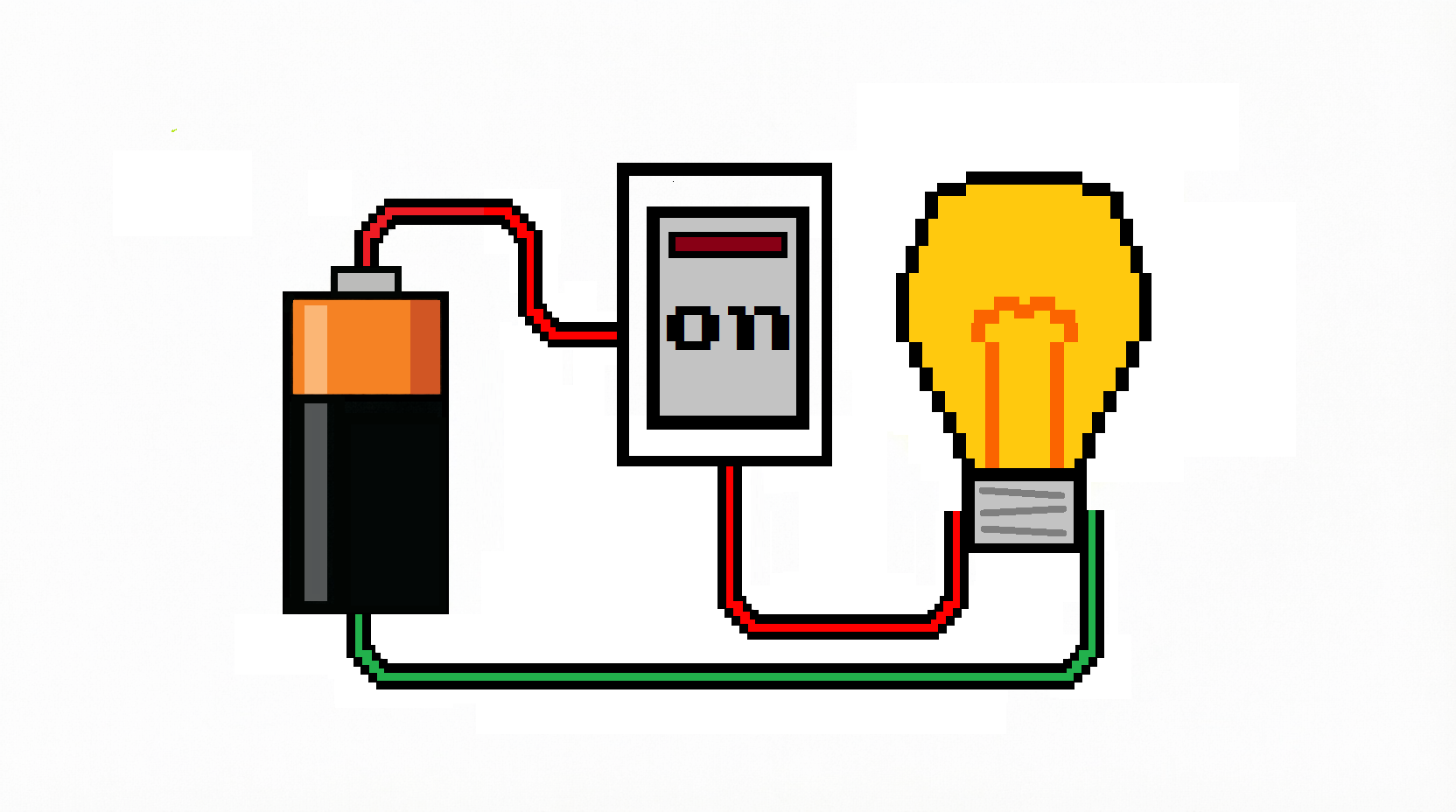
It does the same job as simply removing the wire from the battery terminal, but it makes it easier.
Now imagine you and your best friend live opposite each other, your bedroom windows facing. After lights out, you don't want to stop talking, so you decide to send messages using your light bulbs.
For the sake of argument Mobile Phones don't exist and neither do walkie talkies.
Unfortunately, there is a problem. The bulb only has two states: on and off. That isn't enough to represent all the 26 letters.
So you replace the ordinary switches with a dimmer switch. Instead of simply being on or off, a dimmer switch lets you have different brightness levels. In order to test this system you agree what brightness each level represents in the digits 1 to 9.
You believe you have solved your problem, but the dimmer switch doesn't last very long and begins to wear out. It becomes harder to select the brightness you intended.
The second problem is that the difference between two brightness levels is tiny. You can't tell if your friend's bulb is showing brightness level 2 or brightness level 3.

Then one of you remembers a lesson in school about Samuel Morse.

Samuel Morse was an American inventor and painter. Along with Alfred Vail, he developed a communication system that used a series of dots and dashes to represent letters and numbers. This system became known as Morse code and is still used today.
Why is it called Morse code instead of Vail code?
Although Alfred Vail did much of the practical work refining the code, Samuel Morse became the public face of the telegraph and held many of the patents. As a result, history attached his name to the code.
The reason morse code is so useful to us is that the system relied on only two signals: dots and dashes. Combinations of the dots and dashes create letters and numbers. It is a very useful system.
Morse code can be audio like a telegram which sends a series of short and long beeps, or visual, such as boats at sea, which use short and long flashes of light.
So, instead of trying to use ten brightness levels, we can simply use an ordinary switch. The bulb is either on or off, we just need to know the combination to give us the correct letters.
Simplicity Wins
A lot of early computers did not use binary. Much like the two friends above, decimal wasn’t so much the obvious choice of number system but more no one considered a different option. Many business computers and almost all mechanical calculating machines worked in decimal because they didn’t even consider anything else.
However, there is a very good rule in engineering:
Keep it simple.
As our two friends discovered with their dimmer switches, the more moving parts a device has the quicker it will break down. The dimmer switches had ten positions and the constant movement caused them to wear out and break far quicker than a simply on off switch would.
One of the first people to recognise this was a German engineer named Konrad Zuse. He actually built computers that used binary because building mechanisms with only two positions was far simpler than creating reliable decimal ones. We talk about Herr Zuse and his computers in another article and he is certainly a person to know about in the world of computing.

Herr Zuse wasn't alone. As engineers began building increasingly complicated calculating machines, they kept running into the same problem: making a machine reliably distinguish between ten different states is rather more difficult than asking it to distinguish between two.
So binary started turning up in other mechanical and electromechanical computers too. Not because engineers had suddenly decided that 1s and 0s were terribly fashionable, but because two positions are much easier to build a machine around than ten.
The Age of Relays
When electricity became more common, the old mechanical computers gradually gave way to a new type: the relay computer.
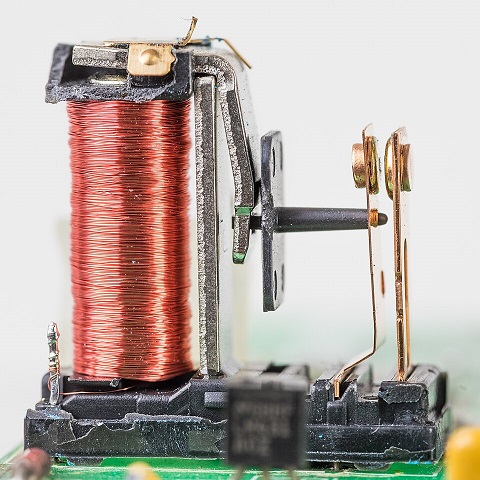
A relay is simply an electrically operated switch. If you get a coil of copper wire and flow some electricity through it, the coil becomes magnetic. When it becomes magnetic it pulls metal objects towards it, in this case a metal pole that is pulled against another just like our switch above.
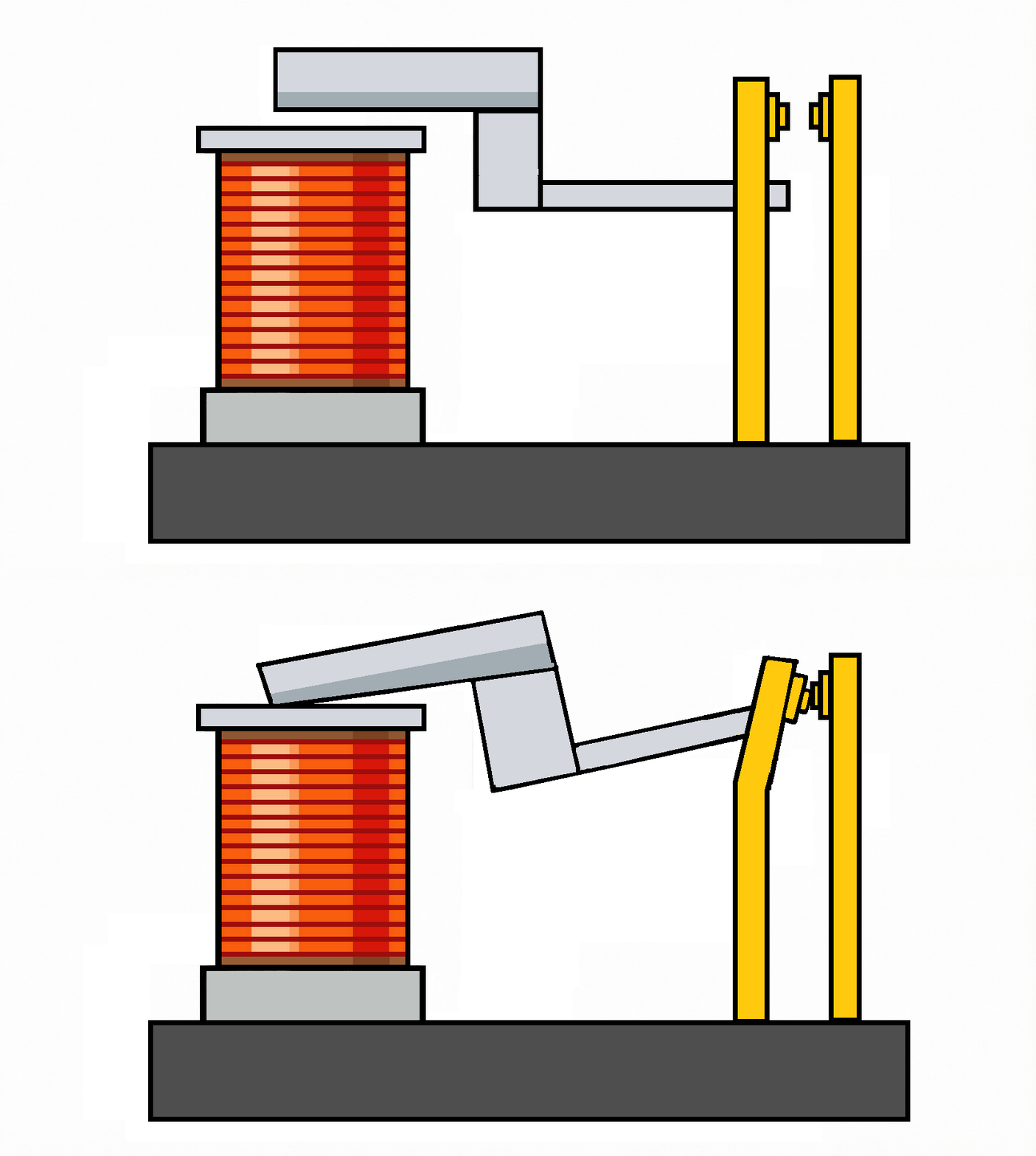
Relays have two positions just like our switch and so are perfect for binary.
Early computers contained thousands of them. They were huge, relatively slow, and incredibly noisy. A relay computer didn't quietly process information; it clicked and clattered constantly as thousands of switches opened and closed.
In theory, engineers could have built a decimal relay. But can you imagine how difficult it would be to design ten different relays, each operating at a different voltage? In practice, this would have been incredibly difficult. Every relay would have needed to be manufactured with extreme precision, and even small changes caused by wear, manufacturing differences, or even temperature could stop it from working correctly.
Once again, the simplest solution was to use only two states. Binary wins.
Vacuum Tubes
The next major technology was the vacuum tube.
Vacuum tubes look rather like old-fashioned light bulbs, and in many ways they behave similarly. They contain a special wire that heats up when electricity passes through it, warming the inside of the tube. When it heats up, it also heats something called a cathode.

Unfortunately, much like light bulbs, vacuum tubes were hot, consumed a lot of energy, and tended not to last very long.
Despite these disadvantages, they were much faster than relays because they contained no moving parts.
Most importantly, they also worked naturally with two states. A tube was either conducting electricity or it wasn't, making binary the obvious choice once again.
Enter the Transistor
Then came one of the greatest inventions of the twentieth century: the transistor.
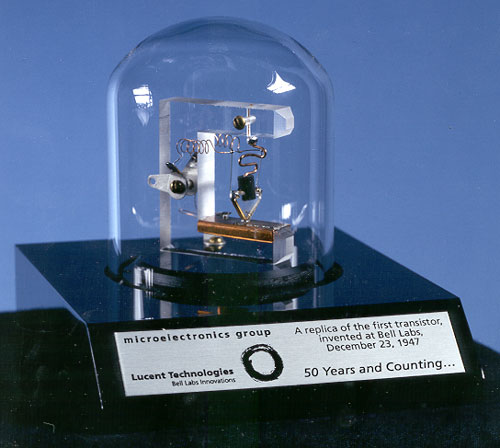
Transistors literally changed the world. In terms of computers, they allowed them to become smaller, faster, cheaper, and dramatically more reliable. We will talk about transistors in another article, but for now, all you need to know is that a transistor is essentially an incredibly tiny electronic switch.
Like the relay and the vacuum tube, it has two states.
By the time transistors became common, binary had already proved itself for decades. Since transistors also behaved as simple two-state switches, there was no reason to abandon a system that already worked so well.
Therefore binary remained the language of computers.
The Problem with Voltage
There is one final reason binary is so useful. Remember our two friends trying to communicate with ten different brightness levels? Computers face a similar problem, not with brightness, but with voltage.
In a perfect world, you could use ten different voltages to represent the digits 0 to 9. Unfortunately, the real world is far from perfect (sorry, folks).
Everyday electrical devices such as microwaves, TVs, and hoovers all cause electrical interference. We call this electrical noise, and it can be a big problem as it makes the voltage change.
Voltage also falls slightly as it travels through wires because of resistance. Essentially, the current flows through the wire, but some of the energy is lost and turned into heat. This is also a big issue (unless you want toast, as this is the way a toaster heats up the element inside).
If a computer had to distinguish between ten different voltage levels, these small changes could easily cause mistakes.
Using binary avoids this problem because instead of trying to recognise ten precise voltages, a circuit only has to recognise two ranges of voltage.
These aren’t exact voltages, though, because of the reasons we noted above. For example:
- A lower range of voltage might be treated as a 0
- A higher range of voltage might be treated as a 1
The gap between the two provides room for small fluctuations without changing the meaning of the signal.
So you can see that computers don't use binary just because engineers dislike decimal (and love to confuse people).
So now you should be able to understand why computers use binary.
Next, we need to look at how computers use binary to represent information.