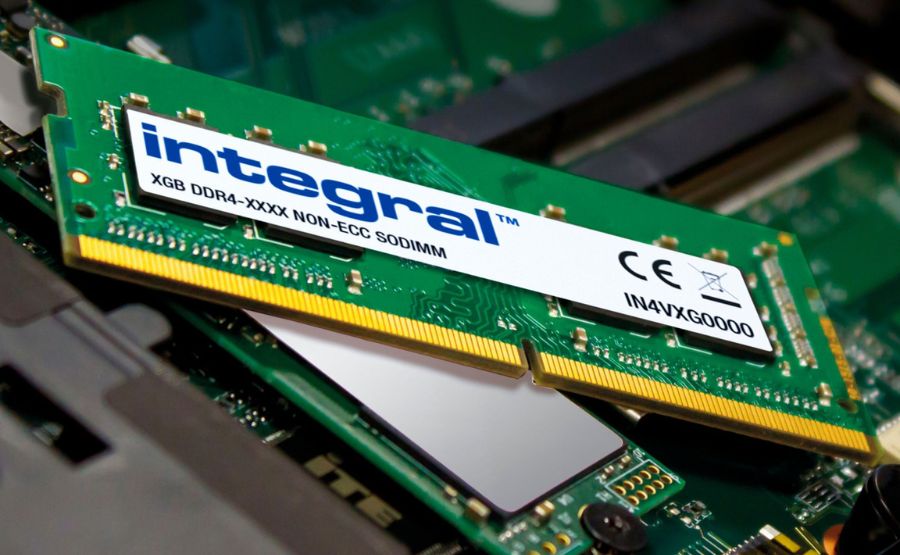
In the early 90’s when I was at high school, computers were still considered nerdy enough that when you mentioned certain terms no one knew what you were on about.
Fortunately I was the nerdy kid in high school who knew about computers. Sadly this did not make me cool or even popular but hey, I knew what a BIOS was. I knew who was winning in life.
All this changed one day when, the evening before, a popular TV show called Bad Influence had a question to win a prize. Bad Influence was an amazing ITV show all about computers and consoles. I need to write an article on that show.

Anyway, the question and prize was a normal part of the show but the question was normally multiple choice and along the line of:
What is the capital of France?
Paris, The Moon, London, Hedgehog
What colour is the sky?
Tartan, McDonalds, Ghosts, Blue
I remember the actual prize this time was something really good though, something like a PC or a Furby.
They therefore decided that the question would be harder and not multiple choice. The question they went with was:
What Is RAM?
Now remember this is before the internet and Google. You couldn’t just ask ChatGPT to tell you what RAM is. No, this was actually a genuinely difficult question.
The next day every lad in school (I am not being sexist) seemed to descend on me in order to find out what RAM was!
What Is RAM?
Random Access Memory, that’s what RAM stands for.
You will be shocked to learn that about 99% of the people I told this to then ran off and didn’t wait around for a more informative answer. No, they ran away to feed their Tamagotchi or watch Power Rangers.
The one or two who did wait around got the full story and you can too.
So What Does "Random Access" Mean?
The memory part is pretty self explanatory, it’s a place to store information. The other words are actually a bit misleading.
Random doesn’t actually mean random.

The computer doesn’t just randomly find a bit of memory and store some information there. That would be madness.
The random in this case is to do with the fact that the computer can go directly to any location in memory without having to work through all the locations before it.
Imagine you are using a computer that is based on tape. In order to access the information at point 20:31 on the tape you will need to go from 00:00 to 20:31 to find it.
That's called sequential access.
The information comes in a sequence:
1 → 2 → 3 → 4 → 5 → 6 → 7...
If you want number 7, you have to go through the stuff before it. It makes everything slow down because you have to go through all the unimportant stuff before you get to the bit you want.
RAM works differently.
Imagine memory as a huge collection of numbered boxes:
0000
0001
0002
0003
0004
...
32768
32769
32770
...
65535
If the computer wants whatever is stored at address 32768, it doesn't have to read addresses 0000 through 32767 first. It goes straight to 32768.
That's random access.
Random in this case doesn’t mean that the location is random but that it can access any box of memory from any location.
So What Did People Use Before RAM?
Some early computers used something called delay-line memory.
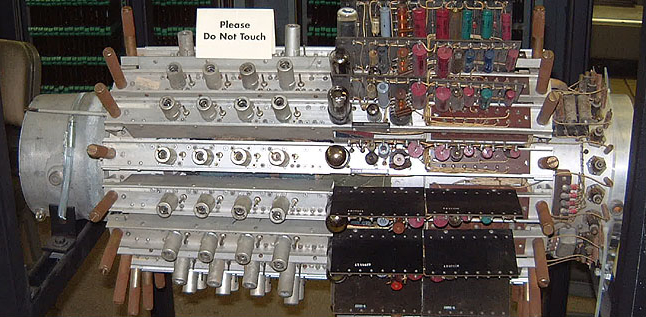
You had a tube that was full of mercury. When the computer wanted to store something it would send the electrical pulse to the tube. Something called a transducer would turn the electrical pulse into a sound or wave vibration.
This was then sent through the mercury to the other end where another transducer would receive the sound and then send it back again. It would continue to go round and round until the computer removed it.
The problem was if you wanted a particular piece of information, you couldn't simply point at an address and retrieve it.
You had to wait for the information to come around. The same with deleting information, if you needed to remove something from memory you had to wait for the bit you wanted to come round so you could delete it from the tube.
Then there was magnetic-core memory, which was random access but also pretty special.
Basically a square was created and hundreds of tiny magnetic rings were placed. When you wanted to store information you magnetised the rings in the correct binary pattern.
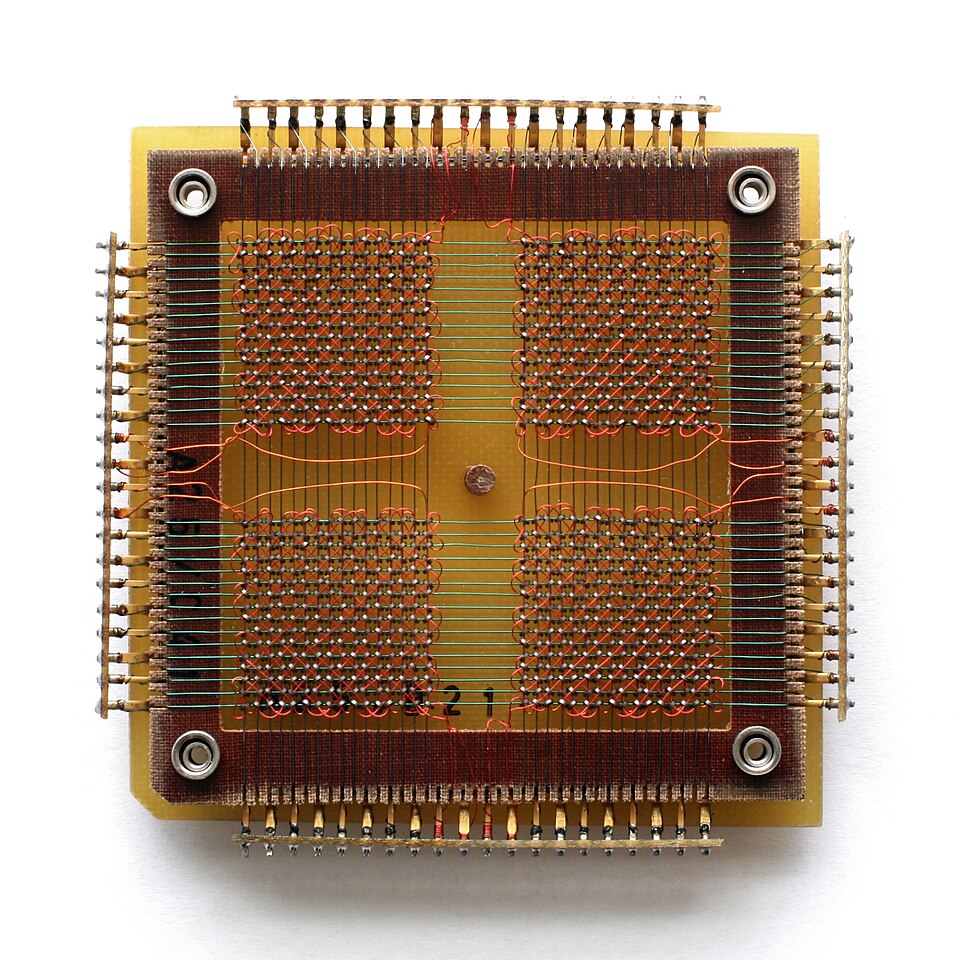
What was really cool about this was the rings that magnetised so were non-volatile, as opposed to today's RAM which is volatile. It loses what is stored in it when the electricity is lost.
By the 1970s, semiconductor memory was becoming increasingly practical, and eventually the familiar RAM chips found in computers became the norm.
And Then We Get To ROM
ROM stands for Read-Only Memory.
ROM is random access in the same way RAM is but generally the ROM can’t be changed. It contains the BIOS and things that get the computer up and running.
It’s also like the magnetic-core memory we talked about a minute ago: non-volatile. So when you turn the computer off, it doesn’t lose what is in the memory.
Old computers would have a ROM chip containing its BASIC interpreter and this is the reason you could generally program straight out of the box.
10 PRINT "HELLO WORLD"
20 GOTO 10
At some point we got PROM, Programmable Read-Only Memory, which would be edited by the user and then it was locked.
EPROM was Erasable Programmable Read-Only Memory. These are the famous chips with the little quartz glass window on top. To erase them, you had to pull the chip out of the computer and bake it under a strong Ultraviolet (UV) light for 20–30 minutes!
Then we got EEPROM: Electrically Erasable Programmable Read-Only Memory. This is the one that can be erased and reprogrammed electronically, without UV light.
This is the direct ancestor of the modern flash memory we use in USB drives and SSDs today.
They all sound like someone who didn’t understand what Read Only meant.
So There You Go...
So there you go, that’s what RAM stands for.
I was never that popular at school again. Well, until I got an Atari Jaguar, but for a brief second I was Mr Popularity and all because I knew my computer acronyms.
I never entered the competition by the way. I don’t mean to flex but... I already had a PC.
```